Partsbin — independent build
Keep every part ready for its next sale.
A private inventory workspace connecting stock, item photos, pricing, and AI-assisted listing drafts for a seller to review.
- Year
- 2026
- Role
- Design + implementation
- Client
- Partsbin — independent build
- Surfaces
- Inventory and listing workspace
- Stack
- Next.js, TypeScript, Vertex AI, Tavily, Supabase
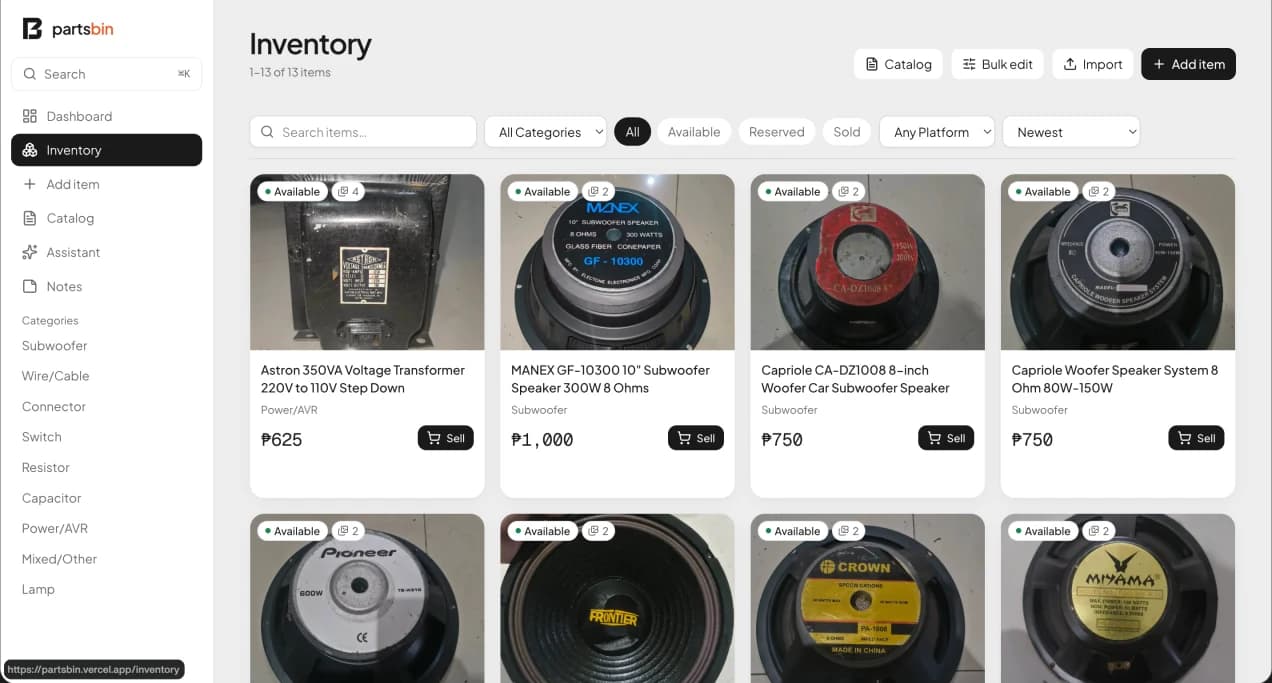
Partsbin brings a small electronics inventory into one workspace: photos, stock status, asking prices, and marketplace preparation. I designed and implemented the dashboard, searchable inventory, and item editor so the seller can move from tracking a part to preparing its listing.
The AI workflow separates photo identification from specification and price research. Suggestions remain editable, and the seller keeps control of the asking price and final wording. Marketplace publishing stays manual.
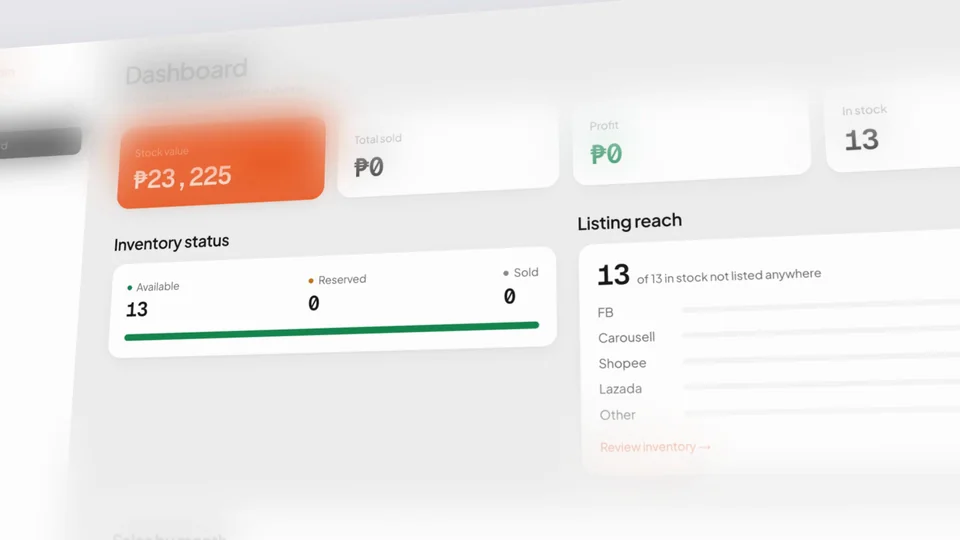
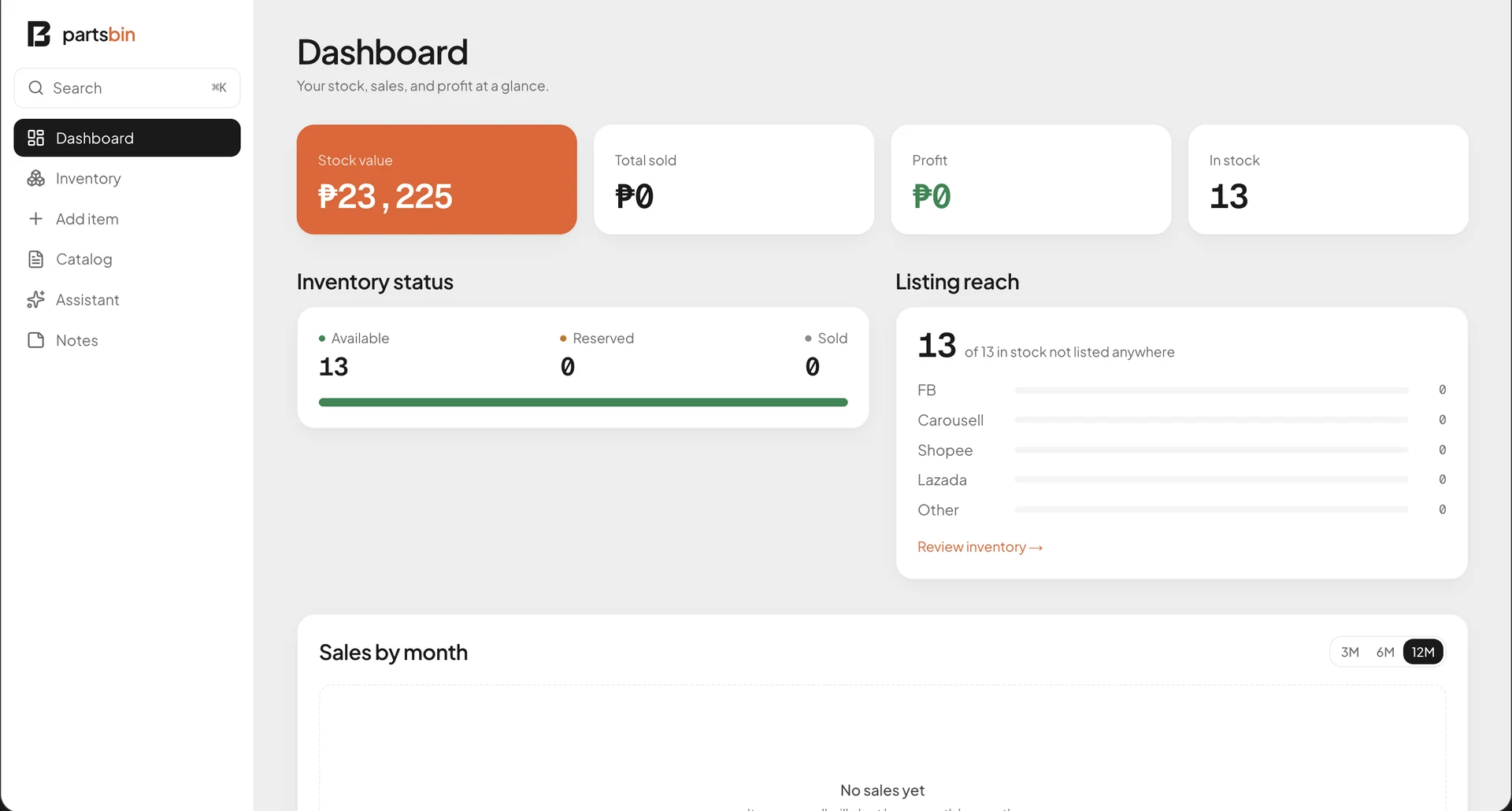
These screens were captured directly from the signed-in live Partsbin app with its existing inventory. They show the dashboard, inventory grid, and an item editor as they appeared during capture. The displayed stock values describe that snapshot; they are not claims of sales growth or AI pricing accuracy.
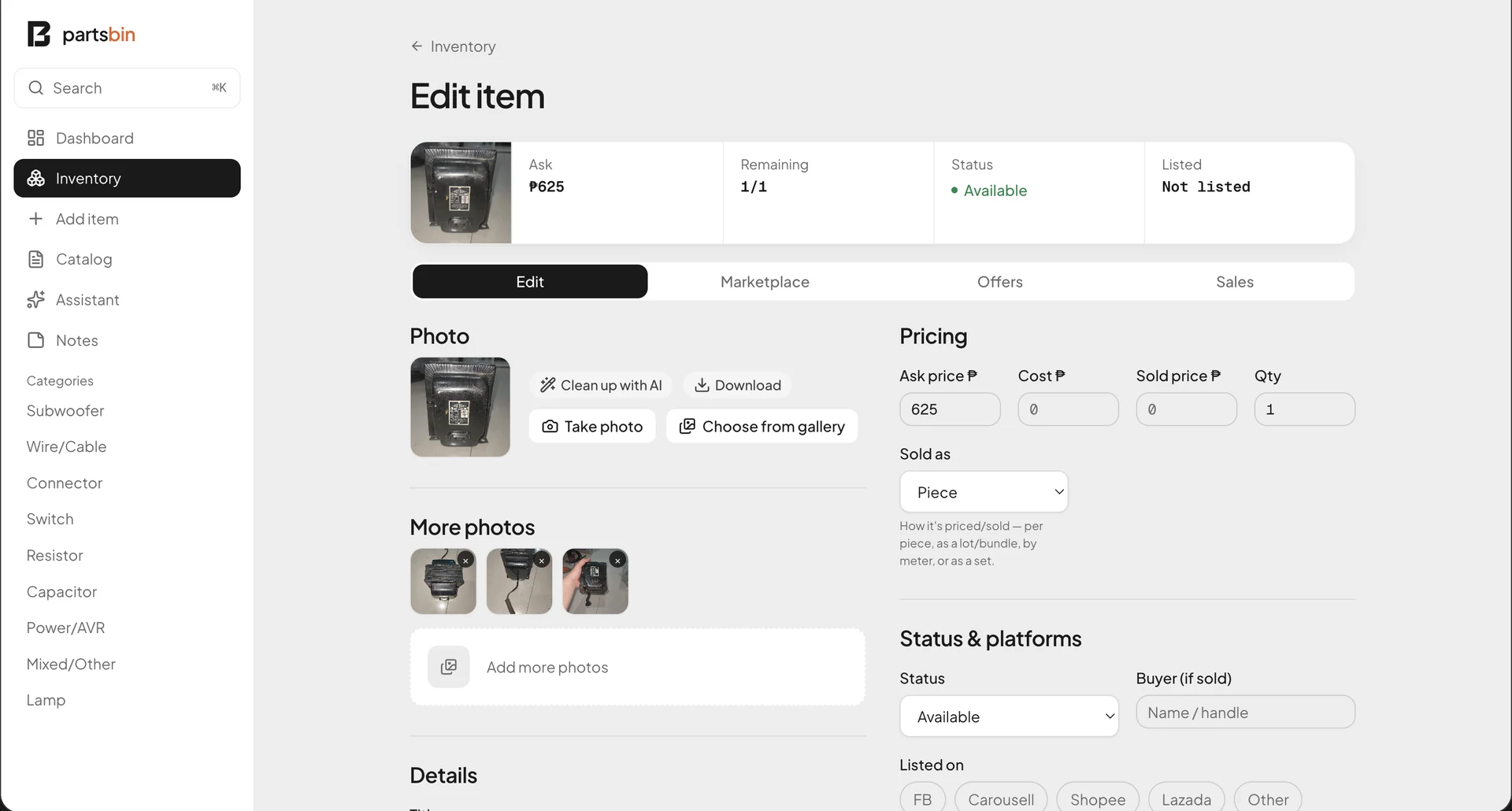
Inventory and listing workspace
Stock dashboard
01 / 03
Make stock visible
Bring stock value, availability, and listing reach into the dashboard, with a searchable inventory grouped by category.
Keep item context together
Place photos, quantity, pricing, status, and marketplace preparation in the item workspace.
Keep suggestions editable
Use photo identification and web research to prepare a draft that the seller can inspect and correct before publishing.
Show the working app
Capture the live signed-in interface and existing inventory, including real product photos, without changing the records.
Next